



Skip to content

Every email, automatically sorted

MailFellow reads every incoming email and tags it with the right category before you see it. Support, sales, billing, spam, and more. Your inbox arrives pre-organized so you can focus on what matters.

Smart categories

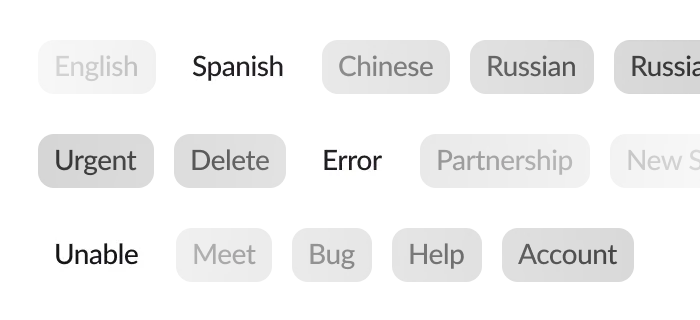
Out of the box, MailFellow sorts emails into support, sales, billing, spam, newsletters, and transactional categories. Each email gets a tag displayed alongside the message in your chat platform so you know what it is at a glance.

Custom categories

Add your own categories with plain-language descriptions. Tell the AI what "partnership inquiry" or "refund request" looks like and it will start tagging matching emails. No training data or ML expertise needed.

High accuracy

Powered by large language models from OpenAI and Anthropic, categorization is accurate across languages, writing styles, and email formats. Miscategorized? Override the tag and the system learns from your correction.

Transparent token usage

AI categorization uses tokens from your plan allowance or your own API key. Token usage per email is shown in your dashboard so you always know the cost. Disable AI for specific addresses if you prefer manual sorting.

How it works

AI categorization runs automatically on every incoming email. No setup required beyond enabling the feature.

1

Email arrives

A new email hits your connected inbox. MailFellow picks it up in real time.

2

AI reads and tags

The subject and body are sent to the AI model, which returns a category tag in milliseconds.

3

Tagged and delivered

The email appears in your chat platform with its category badge. Route categories to different channels if you like.

Learn more about setup and customization in the AI categorization docs.

Stop sorting emails manually

Let AI handle the triage. Start your free trial and see every email arrive pre-categorized in your team chat.