












 Back
Back






Customer Support
Route support@ to your support group. Your team sees every ticket, assigns owners, and resolves issues from Telegram.
Customer Support (2)
Telegram Integration
MailFellow sends emails to your Telegram groups as formatted messages with inline action buttons. Your team reads, assigns, and replies from Telegram.
No credit card required. Works in groups and supergroups
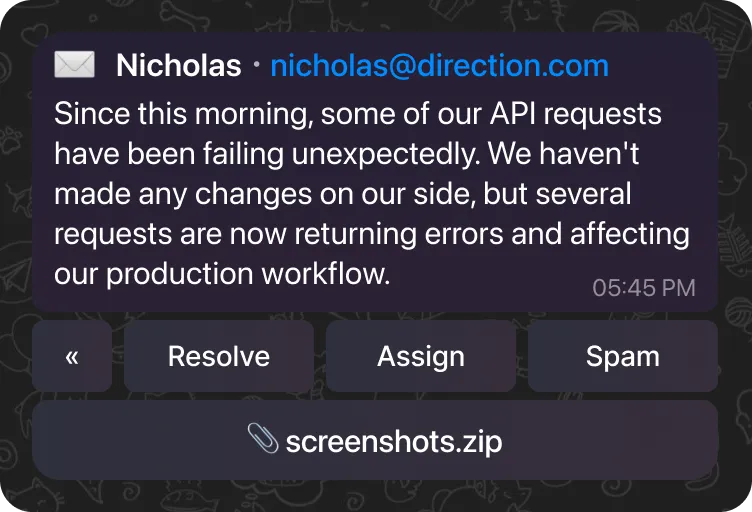
Nicholas nicholas@direction.com
Since this morning, some of our API requests have been failing unexpectedly. We haven’t made any changes on our side, but several requests are now returning errors and affecting our production workflow.
05:45 PM
Telegram is where your team communicates. But customer emails sit in a separate inbox that nobody watches closely enough.
You flip between your email client and Telegram dozens of times a day. Every switch breaks your focus and slows your team down.
Inbox (2,154) Telegram (1)
Nobody knows if that support email was handled. It sits in one person's inbox while the rest of the team is blind.
 Elena
Only Read
Elena
Only Read
Customers wait while your team figures out who should respond. By the time someone replies, the moment has passed.
You can't see email status without asking. No dashboard, no assignments, no way to know what's open or overdue.
 No Dashboard
Emails appear in your group as formatted messages. Tap a button to reply, assign, or resolve. The customer gets a normal email reply.
 Vecture
12:30 PM
Mailfellow: Unable to complete API requests
1
Vecture
12:30 PM
Mailfellow: Unable to complete API requests
1

Everything in one place
Emails land in the Telegram group your team already watches. No app switching, no context loss.
 Incoming:
21
Incoming:
21
 Sent:
12
Sent:
12
 Open:
9
Open:
9


Every email tracked
Every email's status is visible to the whole team in real time, whether assigned, resolved, or pending.

Reply in seconds
Reply in the Telegram chat. MailFellow sends it as a real email from your address. The customer never knows the difference.
Solved 24 Mail Ticket
Solved 6 Mail Ticket

Full visibility
Dashboard shows every email's status. Know what's open, who's handling it, and how fast you're replying.
Lightweight, fast, and works on any device with Telegram.
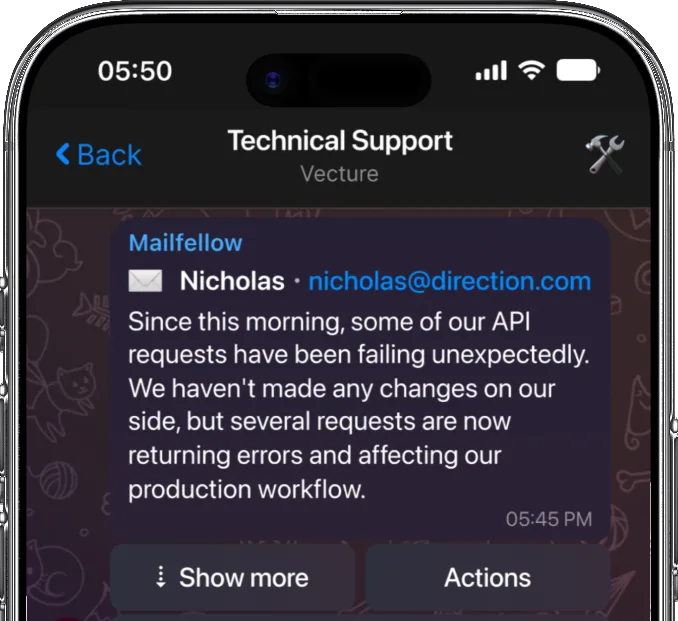
Nicholas nicholas@direction.com
Since this morning, some of our API requests have been failing unexpectedly. We haven’t made any changes on our side, but several requests are now returning errors and affecting our production workflow.
05:45 PM
 Show more
Actions
Show more
Actions
Emails arrive as clean, formatted messages showing the sender, subject, and body preview. Attachments are linked for easy download. Everything is readable on mobile and desktop.
Reply to the email message in Telegram and MailFellow sends it as a real email from your address. No forwarding headers, no bot signatures.
Use /reply, /assign, /resolve, and /status commands to manage emails right from the chat. All commands are quick and intuitive.
Works in regular groups, supergroups, and channels. Add the bot to any group and start receiving emails. Route different addresses to different groups.
Every email message includes inline keyboard buttons for common actions. Resolve, assign, block, or mark as spam with a single tap.
Built for teams that work from their phones. Telegram's lightweight client means you can manage email from anywhere with minimal bandwidth.
Add the bot to your group, connect your email, and you are done.
Connect Email
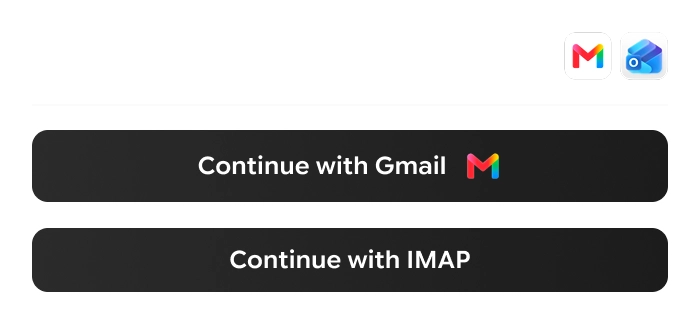
Continue with Gmail Continue with IMAPLink your Gmail, Outlook, or IMAP account. OAuth for Gmail and Outlook, app password for IMAP.
Add Member
MailFellow
 MailFellow

 Fellowship
Add the MailFellow bot to your Telegram group. It only has access to the groups you add it to.
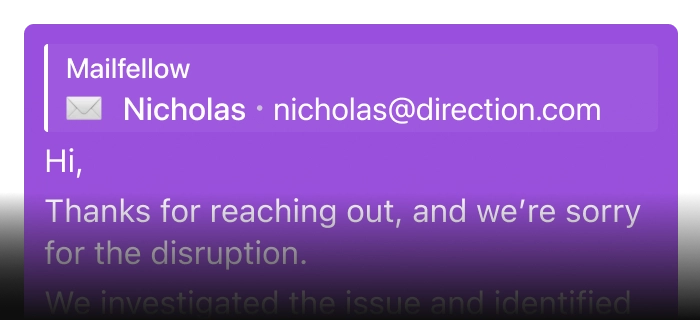
Hi,
Thanks for reaching out, and we’re sorry for the disruption.
We investigated the issue and identified the root cause. A recent…
3:13 PM

Emails appear as formatted messages. Reply inline, use bot commands, or tap action buttons.
Whether you're handling support, closing deals, or running operations, MailFellow fits your workflow.
Route support@ to your support group. Your team sees every ticket, assigns owners, and resolves issues from Telegram.
Inbound leads appear in your sales group instantly. Reps reply from their phones within minutes instead of hours.
Hi, Thanks for reaching out...
Now
Vendor emails, invoices, and logistics updates are all visible in one group. Manage operations from anywhere with Telegram's lightweight client.
Everything you need to know before connecting your email to Telegram.
Telegram
Yes. Add the MailFellow bot to any Telegram group to receive and reply to emails. It works in both regular groups and supergroups.
Yes. Every email message includes inline keyboard buttons for common actions like reply, assign, resolve, and block.
Yes. Messages are encrypted in transit. The bot only has access to the groups you add it to. Email content is not stored permanently.
MailFellow offers a free 7-day trial with no credit card required. After that, the Pro plan is $9/month and the Business plan is $29/month. See the pricing page for full details.
Yes. Cancel from your dashboard at any time. No contracts, no cancellation fees.