










Customer Support
Route support@ to your support group. Your team sees every ticket and resolves issues from WhatsApp.
 Support (2)
WhatsApp Integration
MailFellow sends emails to your WhatsApp group as structured messages. Your team reads and replies from the app they already have open.
No credit card required. Works on phone and desktop
Mailfellow
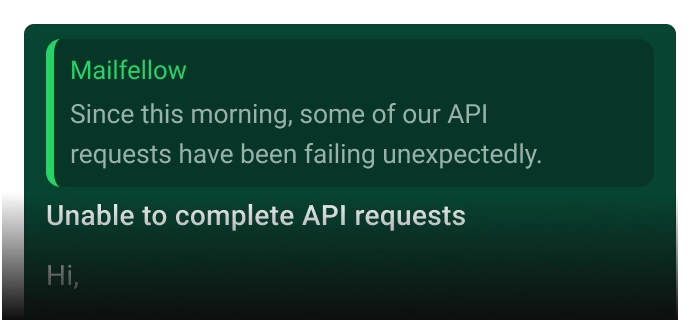
Unable to complete API requests
Nicholas
nicholas@direction.com
Since this morning, some of our API requests have been failing unexpectedly. We haven’t made any changes on our side, but several requests are now returning errors and affecting our production workflow.
View Mail
02:30 PM
WhatsApp is where your team talks. But customer emails are locked in an inbox only one person checks.
You flip between your email app and WhatsApp dozens of times a day. Every switch breaks your focus and slows your team down.


 WhatsApp
Nobody knows if that support email was handled. It sits in one person's inbox while the rest of the team is blind.
 Elena
Only Read
Elena
Only Read
Customers wait while your team figures out who should respond. By the time someone replies, the moment has passed.
You can't see email status without asking. No dashboard, no assignments, no way to know what's open or overdue.
 No Dashboard
Every email shows up in your group with sender, subject, and preview. Tap to reply, assign, or mark resolved.
 Marketing
12:30 PM
Unable to complete API requests
1
Marketing
12:30 PM
Unable to complete API requests
1

Everything in one place
Emails land in the WhatsApp group your team already watches. No app switching, no context loss.
 Incoming:
21
Incoming:
21
 Sent:
12
Sent:
12
 Open:
9
Open:
9


Every email tracked
Whether assigned, resolved, or pending, every email's status is visible to the whole team in real time.

Reply in seconds
Reply in WhatsApp. MailFellow sends it as a real email from your address. The customer never knows the difference.
Solved 24 Mail Ticket
Solved 6 Mail Ticket

Full visibility
Dashboard shows every email's status. Know what's open, who's handling it, and how fast you're replying.
Built for mobile-first teams who live in WhatsApp.

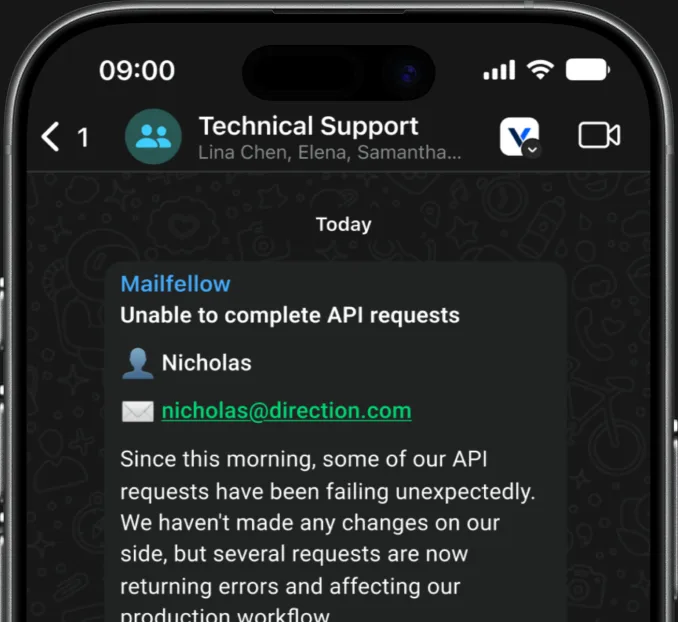
Mailfellow
Unable to complete API requests
Nicholas
nicholas@direction.com
Since this morning, some of our API requests have been failing unexpectedly. We haven’t made any changes on our side, but several requests are now returning errors and affecting our production workflow.
View Mail
02:30 PM
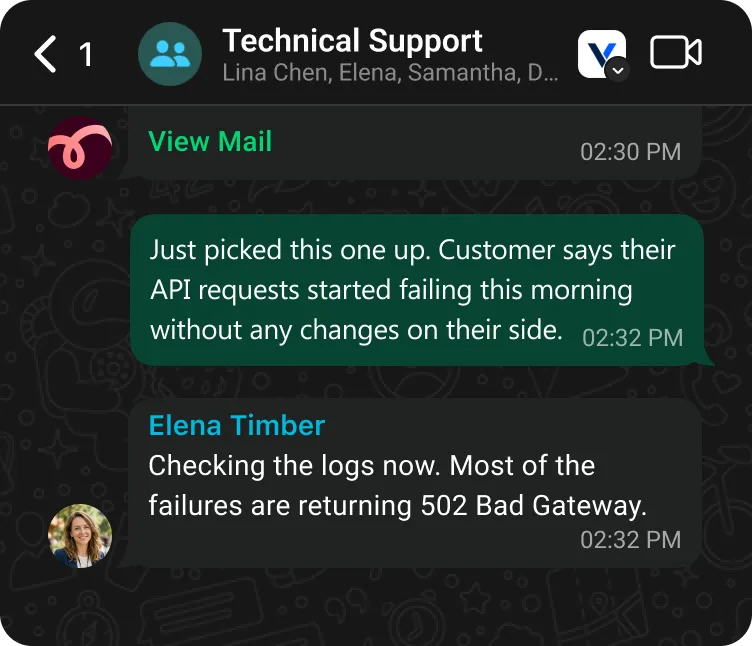
Every incoming email is sent to your WhatsApp group with sender, subject, and a preview. You see it the moment it arrives, right alongside your other chats.
Type your reply in WhatsApp. MailFellow sends it as a real email from your connected address. No forwarding headers, no bot signatures.
Share a mailbox with your team in a WhatsApp group. Everyone sees every email. Discuss before replying. No more "did you see that email?" messages.
Reply with keywords to resolve, assign, or block emails. Simple commands that work in any WhatsApp conversation.
Built for teams that work from their phones. Manage email from anywhere: commuting, traveling, or in the field.
Connect your email, link your WhatsApp group, and start receiving emails. No apps to install, no servers to configure. Done in two minutes.
Add the bot, connect your inbox, pick a channel. Emails start arriving in seconds.
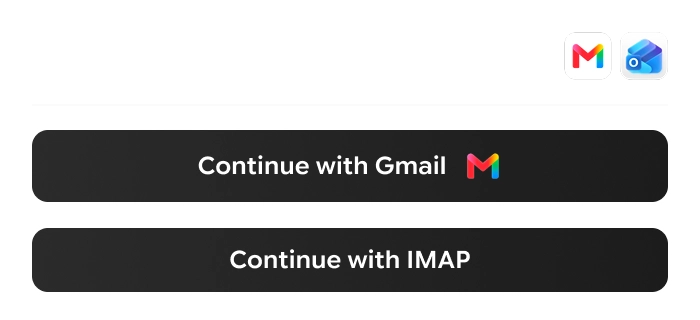
Connect Email
Continue with Gmail Continue with IMAPLink your Gmail, Outlook, or IMAP account. OAuth for Gmail and Outlook, app password for IMAP.
 Customer Support
 Marketing

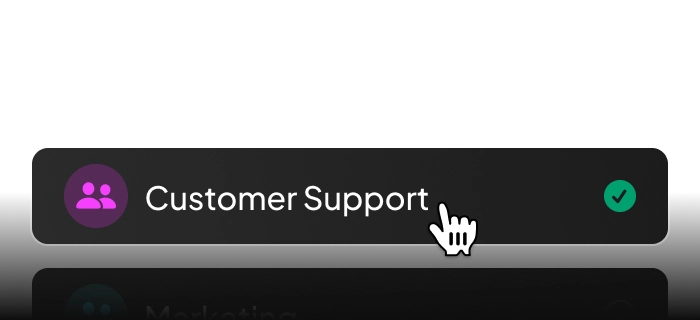
Connect your WhatsApp account and select the group for incoming emails.
Unable to complete API requests
Hi,
Thanks for reaching out, and we’re sorry for the disruption.
We investigated the issue and identified…
Show more
02:34 PM
Emails arrive in your WhatsApp group. Reply from the chat, use quick actions, and collaborate with your team.
Whether you're handling support, closing deals, or running operations, MailFellow fits your workflow.
Route support@ to your support group. Your team sees every ticket and resolves issues from WhatsApp.
Support (2)
Inbound leads appear in your sales group instantly. Reps reply from their phones within minutes instead of hours.
Elena Timber
Hi, Thank you for reach us...
now
Teams in the field, at events, or on the road can manage email from WhatsApp without needing a laptop or VPN.
Everything you need to know before connecting your email to WhatsApp.
Yes. MailFellow works with both personal WhatsApp and WhatsApp Business accounts.
Yes. Media attached to your reply in WhatsApp is included as email attachments in the outgoing email.
WhatsApp group limits apply. MailFellow works with any group size supported by WhatsApp.
MailFellow offers a free 7-day trial with no credit card required. After that, the Pro plan is $9/month and the Business plan is $29/month. See the pricing page for full details.
Yes. Emails are encrypted in transit and at rest. MailFellow does not store email content permanently. Messages are forwarded to your chat platform in real-time. Your data stays yours.